
What We Teach

Our Courses

Industry-aligned programmes built around real skills. Choose a course, start learning, and launch your career.

All Courses

Filter by category or browse everything below.

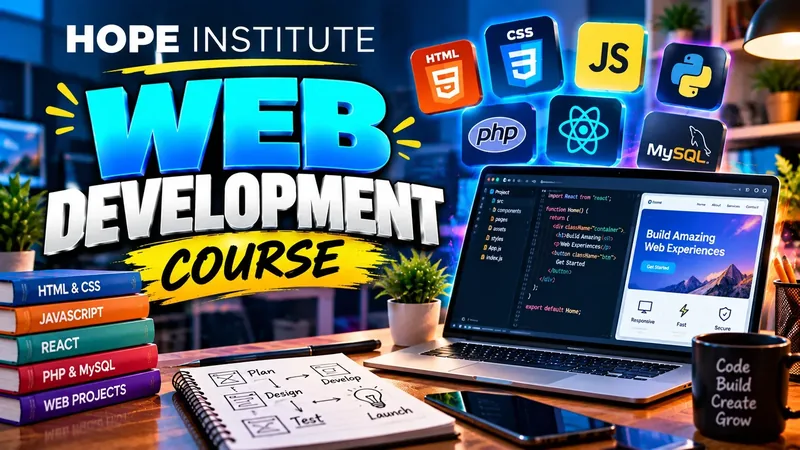
  • Promotional banner for the Web Development course

    Web Development

    Master HTML, CSS, JavaScript and modern frameworks to build responsive, professional websites and web applications from scratch.

    Beginner to Advanced
    Complete Course Details

    Overview

    A project-based programme that takes you from absolute basics to building and deploying complete, responsive websites — finishing with a real portfolio capstone.

    Curriculum — What You'll Learn

    1. HTML5 fundamentals — document structure, semantic tags, forms and tables
    2. CSS3 essentials — selectors, box model, styling and animations
    3. Responsive design — media queries, flexbox, grid and mobile-first layouts
    4. JavaScript fundamentals — variables, functions, loops and events
    5. Modern JavaScript (ES6+) — arrow functions, promises, DOM manipulation
    6. React introduction — components, props and state for front-end apps
    7. PHP & MySQL basics — server-side concepts and working with databases
    8. Git & GitHub — version control, collaboration and code hosting
    9. Web hosting & domains — cPanel, FTP and launching your first live site
    10. Capstone project — plan, build, test and deploy a complete website or web app

    Skills & Tools

    HTML5CSS3JavaScript (ES6+)ReactBootstrap / TailwindPHPMySQLGit & GitHubVS CodecPanel / FTP

    Batch & Mode

    • Mode: In-class or online
    • Level: Beginner to Advanced
    • Language: Urdu instruction, English courseware
    • Material: Recorded lectures, project starters & lab access
    • Fee: On request — contact admissions

    Prerequisites

    None — the course starts from absolute basics. You'll need a laptop or a lab computer during class and basic familiarity with using Windows or macOS.

    Assessment & Certificate

    Weekly quizzes and project reviews through the programme, a final capstone evaluation, and an industry-recognised completion certificate from Hope Institute.

    Career Outcomes

    Work as a Front-End Developer or Web Designer, start freelancing on Fiverr and Upwork, join a software house, or use the course as a stepping stone toward full-stack development.
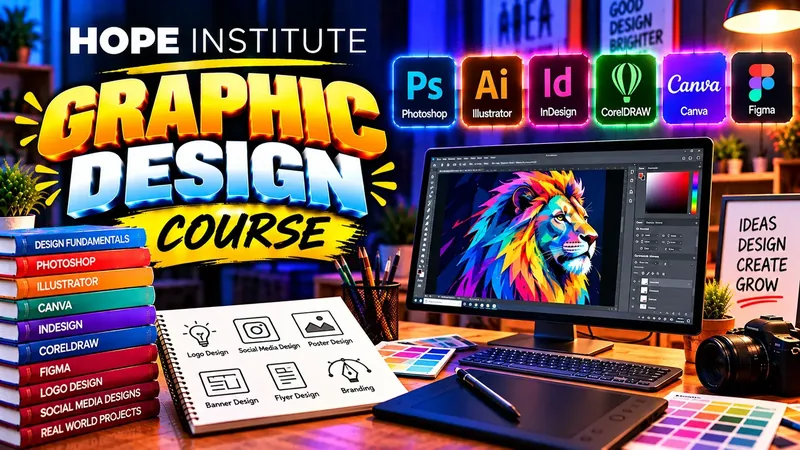

  • Promotional banner for the Graphic Design course

    Graphic Design

    Learn professional design software and develop a portfolio-ready skill set covering brand identity, print and digital media.

    Beginner to Intermediate
    Complete Course Details

    Overview

    From design fundamentals to a finished brand package — you'll work with real briefs and graduate with a portfolio agencies and clients actually look at.

    Curriculum — What You'll Learn

    1. Design fundamentals — colour theory, typography and layout principles
    2. Adobe Photoshop — image editing, retouching, banners and social media posts
    3. Adobe Illustrator — vector graphics, illustrations and logo construction
    4. Logo & brand identity — client briefs, mood boards, brand kits and guidelines
    5. Social media & ad design — post sets, carousels and campaign creatives
    6. Print & digital layout — brochures, flyers, CMYK, bleed and pre-press basics
    7. Canva for rapid marketing graphics and templates
    8. Portfolio development — case studies and presenting your work
    9. Capstone project — design a complete brand identity package for a real-style client

    Skills & Tools

    Adobe PhotoshopAdobe IllustratorAdobe InDesignCanvaLogo DesignBrand IdentityPrint LayoutSocial Media Design

    Batch & Mode

    • Mode: In-class or online
    • Level: Beginner to Intermediate
    • Language: Urdu instruction, English courseware
    • Material: Practice files, fonts library & homework briefs
    • Fee: On request — contact admissions

    Prerequisites

    No design experience needed. A laptop or lab computer is required during class — the institute provides the software needed for coursework.

    Assessment & Certificate

    Weekly design assignments, a mid-term brand identity exercise and a final capstone review, leading to an industry-recognised completion certificate.

    Career Outcomes

    Work as a Graphic Designer for agencies and businesses, design for social media marketing teams, start a freelance design studio, or offer print and branding services locally.

  • Promotional banner for the Digital Marketing course

    Digital Marketing

    Run effective online campaigns across search, social and email. Learn analytics, SEO and paid advertising from a working professional.

    Beginner to Advanced
    Complete Course Details

    Overview

    A practical, hands-on programme where you plan and run a real mini campaign from strategy to analytics — the fastest route to a career in digital marketing.

    Curriculum — What You'll Learn

    1. The digital marketing landscape — channels, funnels and buyer journeys
    2. SEO — keyword research, on-page optimisation, off-page and technical basics
    3. Content marketing & copywriting for ads, blogs and social
    4. Google Ads — search and display campaigns, bidding and quality score
    5. Meta Ads — Facebook and Instagram targeting, creatives and budgets
    6. Social media management — planning, content calendars and community
    7. Email marketing & sales funnels
    8. Local SEO and Google Business Profile management
    9. Analytics & reporting — GA4, Search Console and performance dashboards
    10. Capstone project — plan, launch and analyse a real mini-campaign

    Skills & Tools

    SEOGoogle AdsMeta Business SuiteGA4Search ConsoleEmail MarketingContent StrategyCopywritingCanva

    Batch & Mode

    • Mode: In-class or online
    • Level: Beginner to Advanced
    • Language: Urdu instruction, English courseware
    • Material: Live ad accounts, worksheets & templates
    • Fee: On request — contact admissions

    Prerequisites

    Basic computer and internet skills are enough. You'll need a laptop or lab computer — everything else, including live accounts for practice, is provided in class.

    Assessment & Certificate

    Weekly campaign tasks, a mid-term strategy assignment and a graded final campaign project, followed by a completion certificate.

    Career Outcomes

    Manage social media for businesses, run paid ad campaigns for agencies, do SEO freelancing on Fiverr and Upwork, in-house digital marketing roles, or grow your own brand.

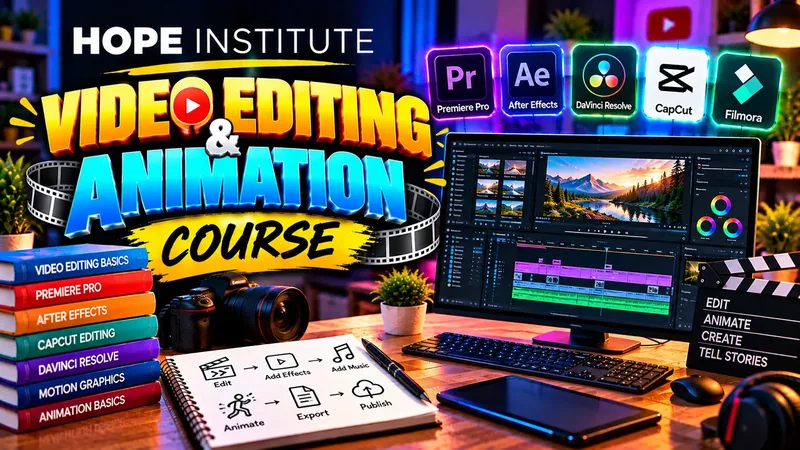
  • Promotional banner for the Video Editing & Animation course

    Video Editing & Animation

    Create compelling videos for YouTube, social media and corporate clients using industry-standard editing tools and motion graphics.

    Beginner to Intermediate
    Complete Course Details

    Overview

    From raw footage to a polished final cut — learn professional editing, motion graphics and export workflows for YouTube, Reels and corporate clients.

    Curriculum — What You'll Learn

    1. Editing fundamentals — timelines, cuts, sequences and storytelling
    2. Adobe Premiere Pro — the full editing workflow from import to render
    3. Adobe After Effects & motion graphics — titles, intros and animations
    4. Text animation, transitions and engaging visual effects
    5. Colour correction & colour grading for a professional look
    6. Audio mixing — dialogue cleanup, music sync and sound levels
    7. Thumbnails, captions & YouTube channel workflows
    8. Short-form videos — Reels, Shorts and TikTok vertical editing
    9. Client delivery — frame rates, export presets and review rounds
    10. Capstone project — edit a client-style promo video end-to-end

    Skills & Tools

    Adobe Premiere ProAdobe After EffectsColour GradingAudio MixingMotion GraphicsCanva / PhotoshopYouTube Studio

    Batch & Mode

    • Mode: In-class or online
    • Level: Beginner to Intermediate
    • Language: Urdu instruction, English courseware
    • Material: Practice footage, LUTs, SFX & template assets
    • Fee: On request — contact admissions

    Prerequisites

    No editing experience needed. A laptop or lab computer with the course software is required for class exercises.

    Assessment & Certificate

    Weekly editing challenges, a mid-term motion graphics task and a graded final promo video, followed by a completion certificate.

    Career Outcomes

    Video editor for agencies and YouTube channels, creator of your own content, freelancing on Fiverr and Upwork, or editing for social media teams and brands.

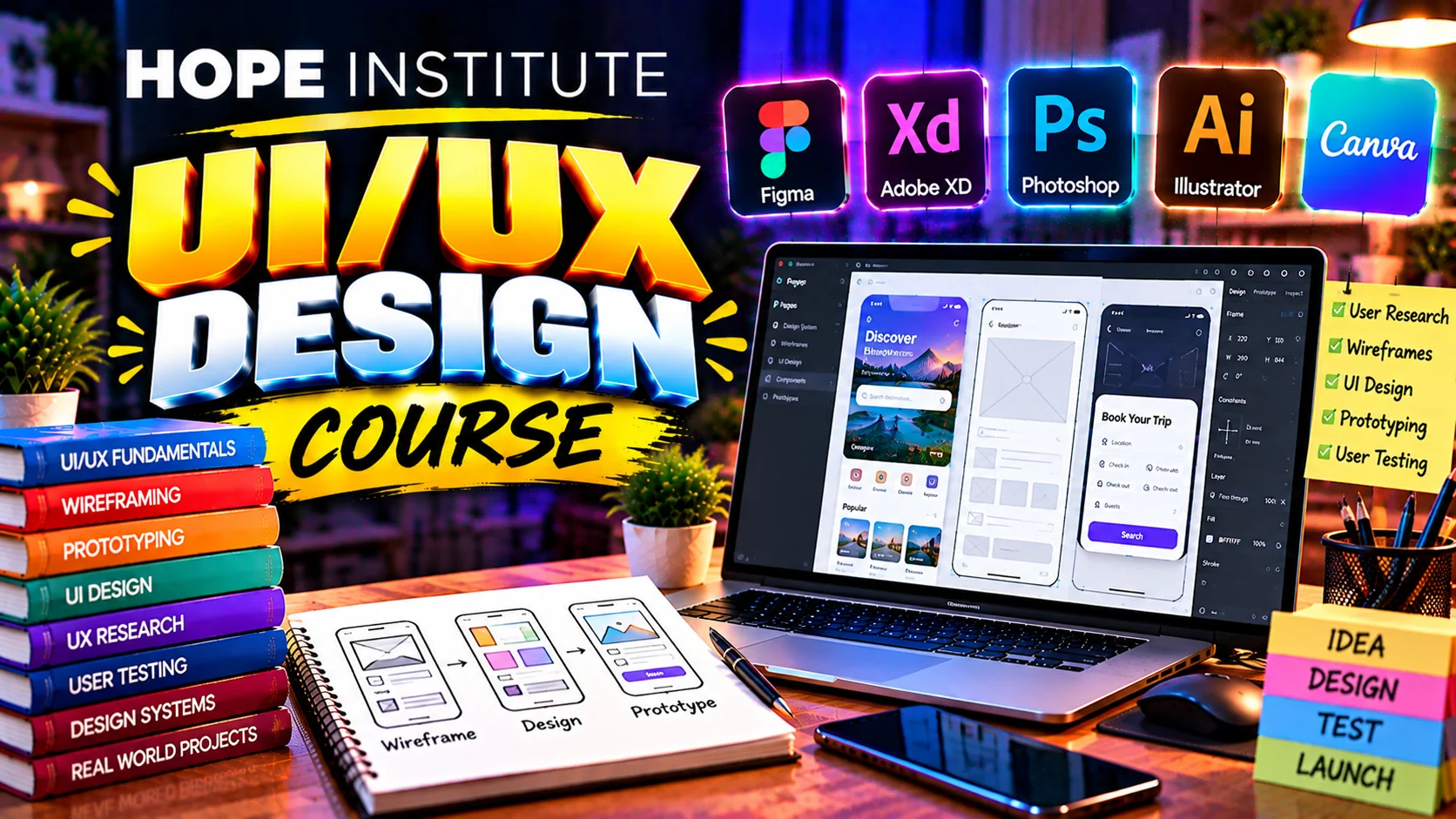
  • Promotional banner for the UI/UX Design course

    UI/UX Design

    Design beautiful, user-centred digital interfaces using Figma and proven UX research and prototyping techniques.

    Beginner to Intermediate
    Complete Course Details

    Overview

    Learn the full product design process — from user research and wireframes to polished, developer-ready interfaces in Figma.

    Curriculum — What You'll Learn

    1. UX fundamentals — user-centred design and design thinking
    2. User research — interviews, personas and problem statements
    3. Information architecture & user flows
    4. Wireframing — low-fidelity sketching for web and mobile
    5. Figma essentials — components, styles and auto layout
    6. UI design patterns — typography, spacing and visual hierarchy
    7. Design systems — reusable component libraries and documentation
    8. Interactive prototyping and animation in Figma
    9. Usability testing & iterating on real feedback
    10. Capstone project — research, design and prototype a complete app or website

    Skills & Tools

    FigmaWireframingUser ResearchPersonasPrototypingDesign SystemsUsability TestingHandoff Docs

    Batch & Mode

    • Mode: In-class or online
    • Level: Beginner to Intermediate
    • Language: Urdu instruction, English courseware
    • Material: Figma templates, UI kits & critique sessions
    • Fee: On request — contact admissions

    Prerequisites

    No prior design experience required. A laptop or lab computer with a free Figma account is needed for class exercises.

    Assessment & Certificate

    Weekly design critiques, a mid-term wireframe assignment and a graded final portfolio project, followed by a completion certificate.

    Career Outcomes

    Junior UI/UX Designer or Product Designer in software startups, freelance app and website design, creative team roles, or building a design portfolio for remote work.

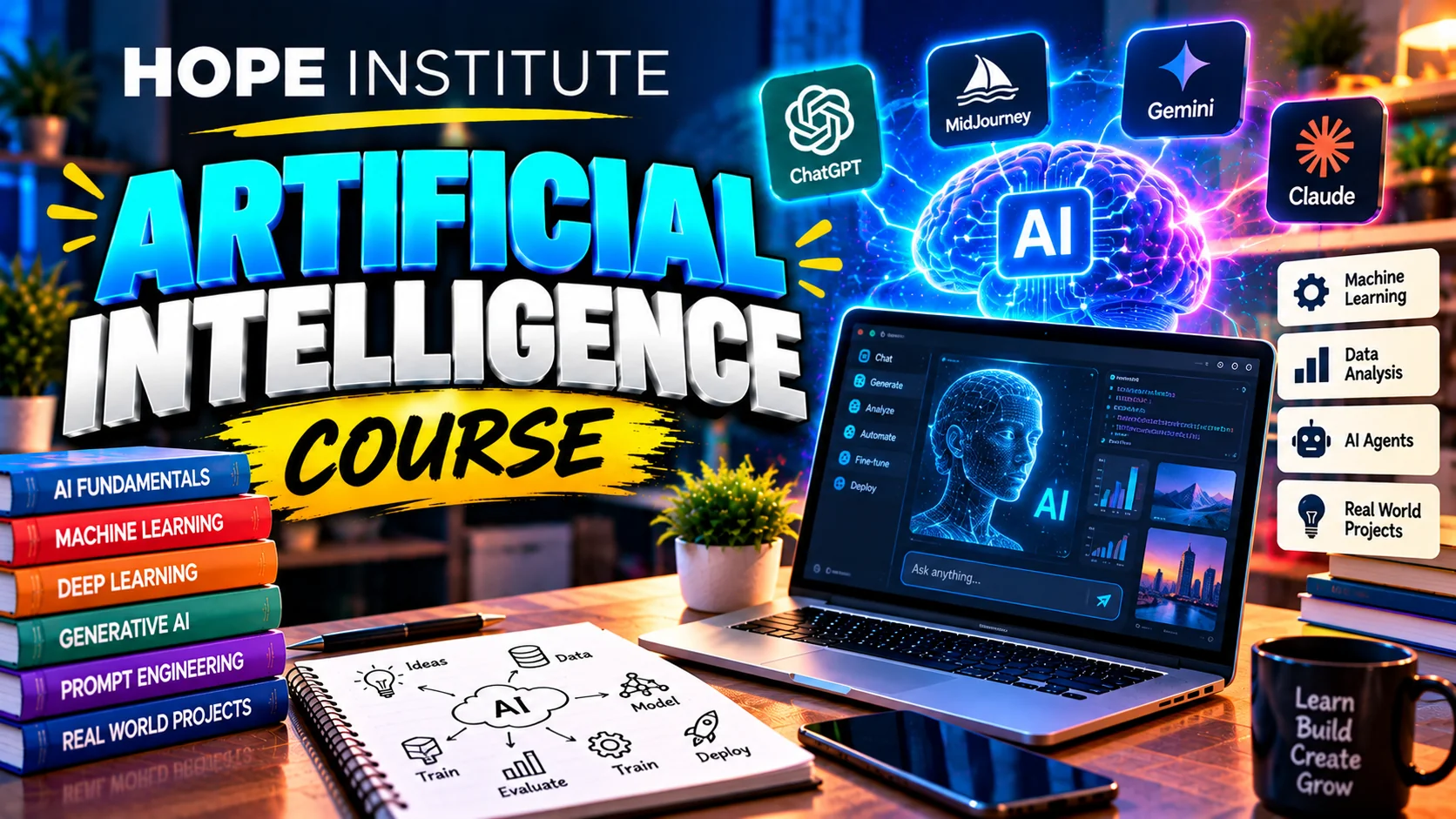
  • Promotional banner for the Artificial Intelligence course

    Artificial Intelligence

    Understand how modern AI works and use powerful AI tools to create, research, automate and boost productivity — no coding background needed.

    Beginner to Intermediate
    Complete Course Details

    Overview

    A hands-on tour of the AI everyone is talking about — from large language models and image generation to automating real work with practical workflows and projects.

    Curriculum — What You'll Learn

    1. What AI really is — models, training, and the tools everyone uses
    2. ChatGPT, Gemini & Copilot — features, differences and strengths
    3. Prompt engineering — clear instructions, context, examples and system prompts
    4. AI for writing — blogs, emails, ad copy, documents and translations
    5. AI image & design generation — posters, logos and social content
    6. Using AI with documents and data — summaries, extraction and spreadsheets
    7. No-code AI automation — flows, webhooks and scheduled agents
    8. AI for research, learning and exam preparation
    9. Responsible AI — privacy, copyright, accuracy and ethics
    10. Capstone project — design and run a complete AI-powered workflow

    Skills & Tools

    ChatGPTGeminiCopilotMidjourney / DALL·ECanva AINotion AIZapierPrompt Engineering

    Batch & Mode

    • Mode: In-class or online
    • Level: Beginner to Intermediate
    • Language: Urdu instruction, English courseware
    • Material: AI tool accounts, prompt libraries & practice briefs
    • Fee: On request — contact admissions

    Prerequisites

    None — no coding required. You need a laptop or lab computer with internet access and basic typing skills.

    Assessment & Certificate

    Weekly AI challenges, a prompt-engineering assessment and a graded final workflow project, followed by a completion certificate.

    Career Outcomes

    AI content creator, digital-marketing assistant with AI skills, freelancer selling AI-powered services, or a strong base before advancing into AI development and LLMs.

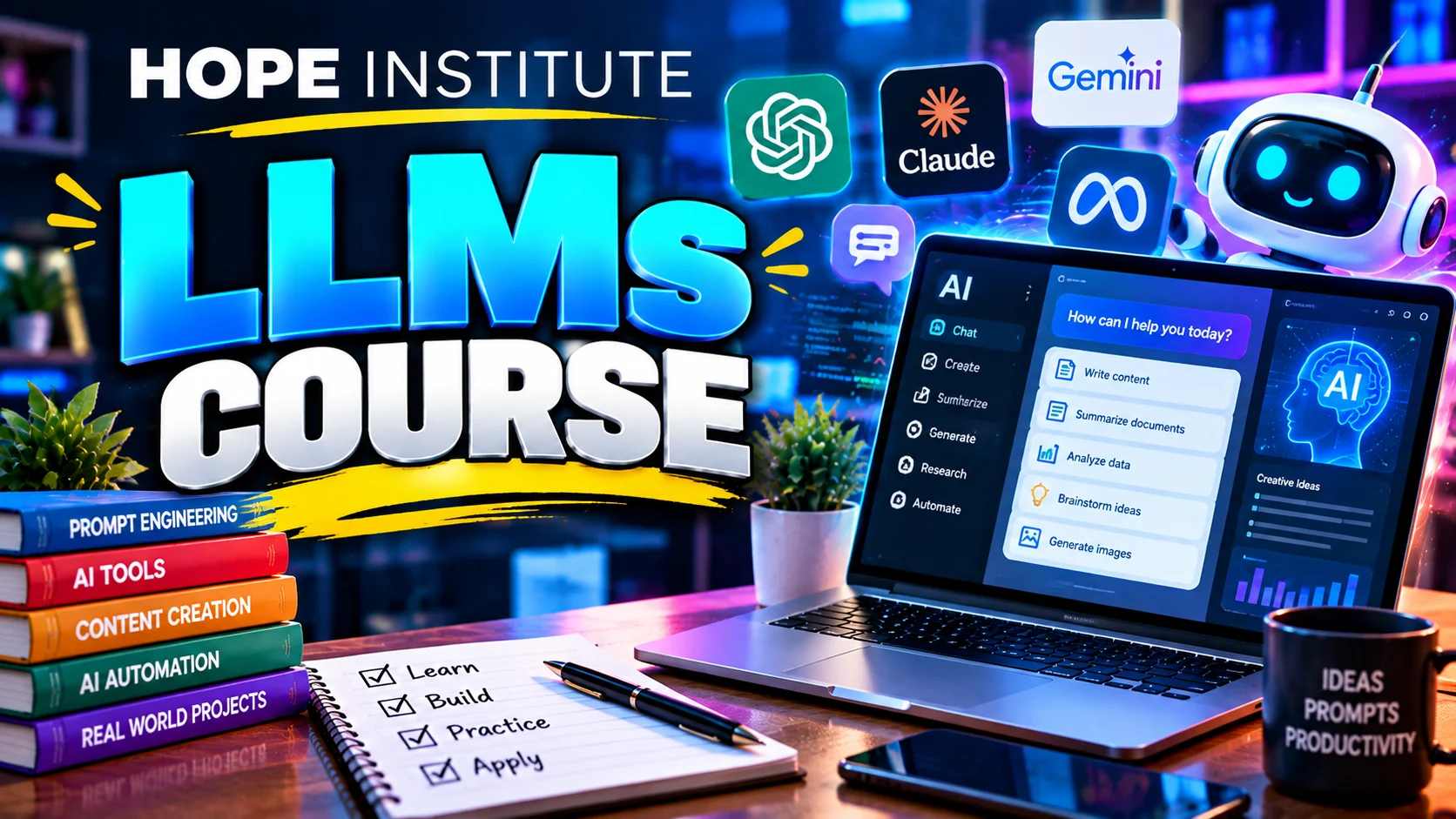
  • Promotional banner for the LLMs course

    LLMs (Large Language Models)

    Go from using LLMs to understanding and building with them — prompting, APIs, RAG and your own working chatbot.

    Intermediate
    Complete Course Details

    Overview

    A deeper dive for learners who want to build on top of powerful language models — covering context, retrieval, agents and deploying a real application.

    Curriculum — What You'll Learn

    1. How LLMs work — training, tokens, context windows and embeddings
    2. The model families — GPT, Claude, Gemini, Llama and Mistral
    3. Advanced prompting — chains, few-shot patterns and output formats
    4. Calling LLM APIs programmatically (Python basics provided)
    5. Building a simple chatbot with memory
    6. RAG (Retrieval Augmented Generation) — making AI answer from your documents
    7. Embeddings, vector search and knowledge bases
    8. AI agents & tools — multi-step workflows and function calling
    9. Cost, latency, privacy and model selection for real projects
    10. Capstone project — build and present a domain-specific AI assistant

    Skills & Tools

    OpenAI / Gemini APIPythonEmbeddingsVector DatabasesLangChain BasicsChatGPTRAGAgents

    Batch & Mode

    • Mode: In-class or online
    • Level: Intermediate
    • Language: Urdu instruction, English courseware
    • Material: API access, notebooks & prompt engineering playbooks
    • Fee: On request — contact admissions

    Prerequisites

    Basic programming knowledge is helpful — the first week covers all Python needed. Most useful after the Artificial Intelligence course, but that is not required.

    Assessment & Certificate

    Weekly build tasks, an API integration assessment and a graded final chatbot project, followed by a completion certificate.

    Career Outcomes

    AI applications developer, chatbot and AI-tools builder for businesses, freelance AI engineer on Fiverr/Upwork, or a pathway into advanced AI research and engineering.

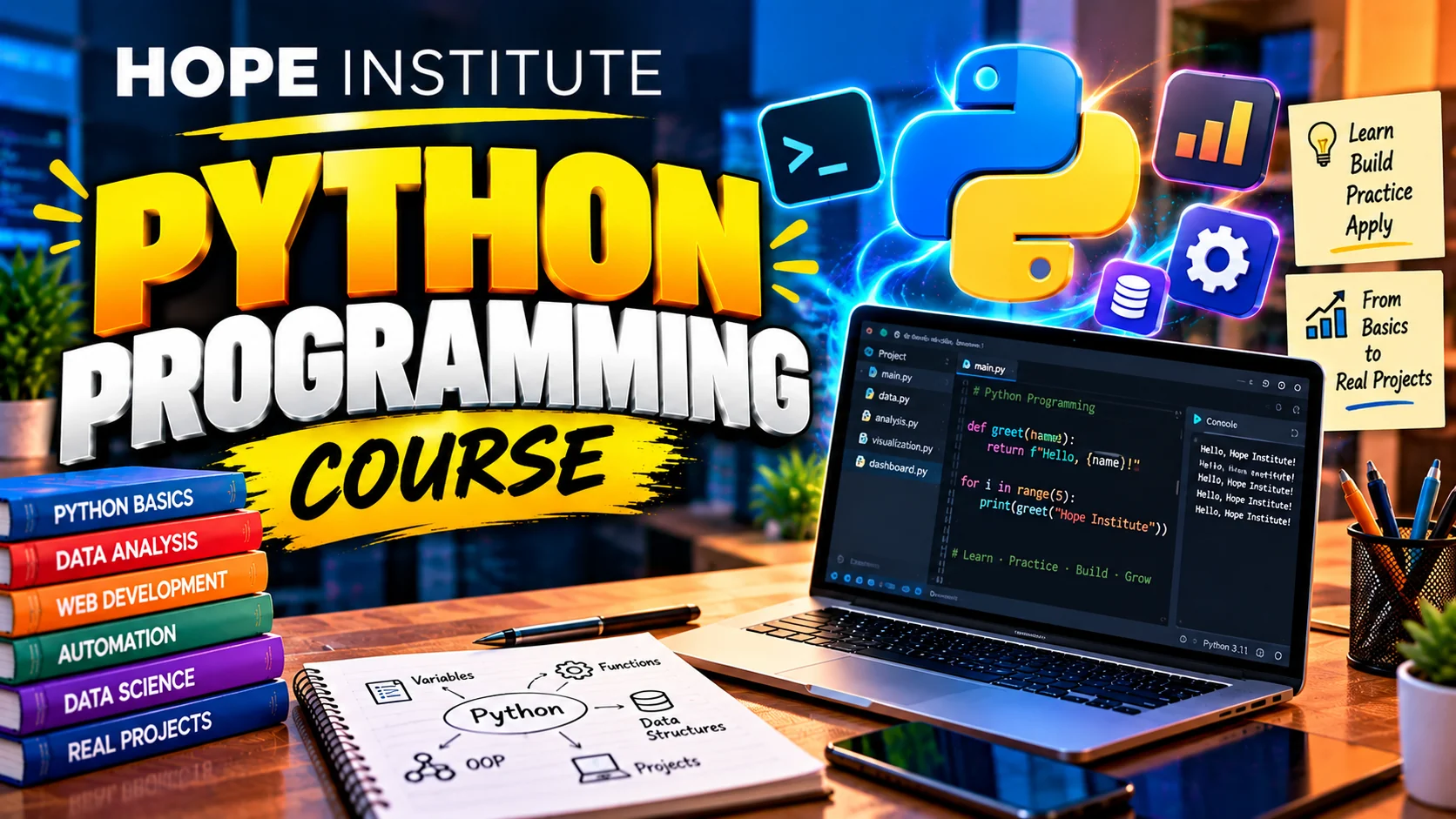
  • Promotional banner for the Python Programming course

    Python Programming

    Write real programs in the world's most popular language — automation, data handling and your first web application.

    Beginner to Intermediate
    Complete Course Details

    Overview

    A complete Python journey — from first script to a working application, taught with hands-on coding in every single class.

    Curriculum — What You'll Learn

    1. Python setup and first programs — variables, types and expressions
    2. Control flow — if/else, loops and program logic
    3. Functions — parameters, returns and clean reusable code
    4. Core data structures — lists, tuples, dictionaries and sets
    5. Strings, files, folders and error handling
    6. Object-oriented programming — classes, objects and inheritance
    7. Modules, pip and using third-party libraries
    8. Working with JSON and calling web APIs
    9. Web scraping and Python automation scripts
    10. Capstone project — a complete Python application (data tools / Flask site)

    Skills & Tools

    Python 3VS Code / PyCharmpippandasRequestsFlaskGit Basics

    Batch & Mode

    • Mode: In-class or online
    • Level: Beginner to Intermediate
    • Language: Urdu instruction, English courseware
    • Material: Practice notebooks, exercises & project files
    • Fee: On request — contact admissions

    Prerequisites

    None for beginners. Logical thinking, a laptop or lab computer, and willingness to practice weekly exercises are all you need.

    Assessment & Certificate

    Weekly coding labs, a mid-term problem-solving test and a graded final application project, followed by a completion certificate.

    Career Outcomes

    Python Developer, Data Analyst trainee, Automation specialist, QA scripts writer, freelance coder, or preparation for AI/data-science and advanced web development.

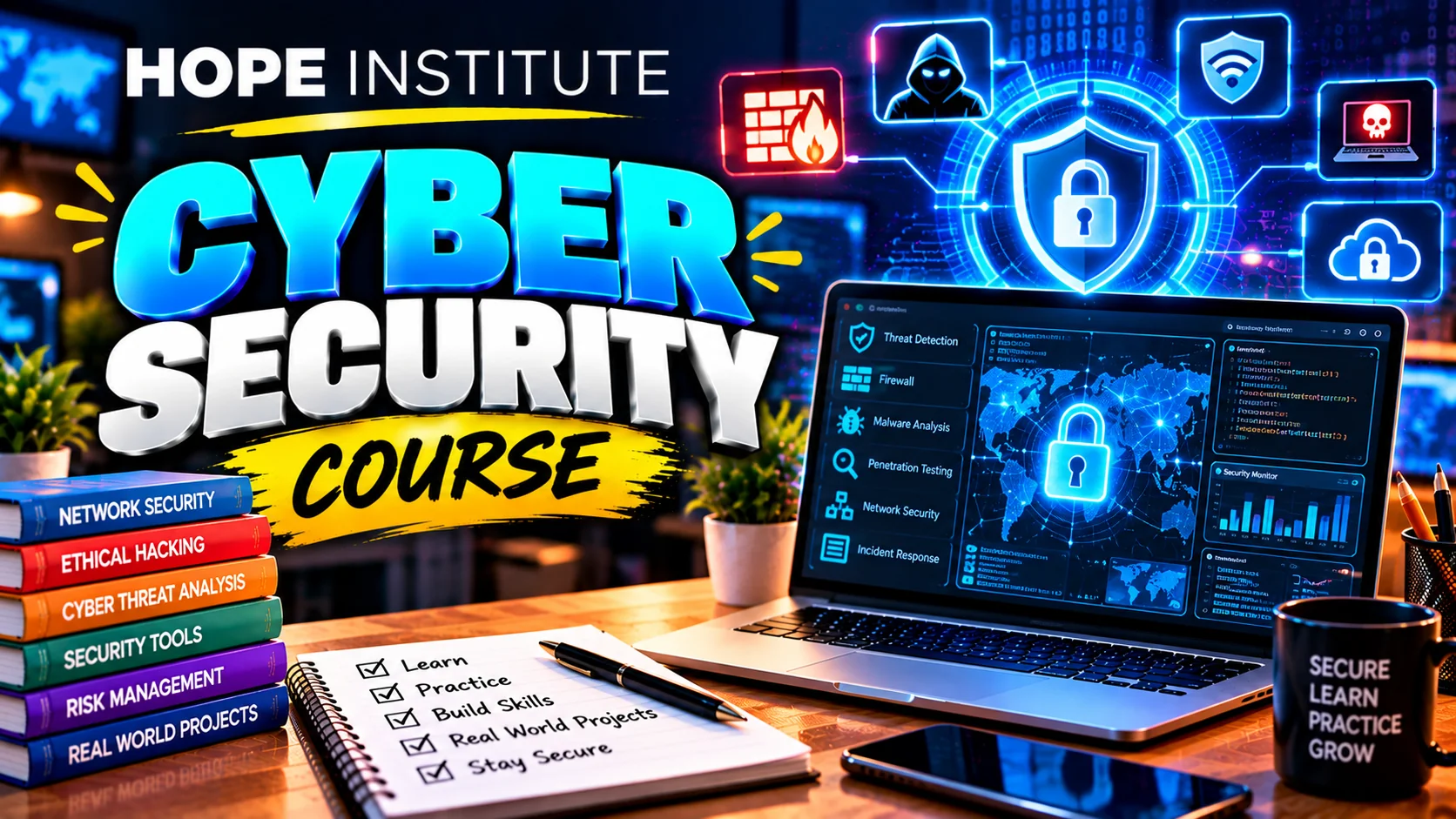
  • Promotional banner for the Cyber Security course

    Cyber Security

    Learn to defend systems and networks — from security fundamentals to hands-on labs with real security tools and practices.

    Beginner to Intermediate
    Complete Course Details

    Overview

    Built for absolute beginners, this course combines theory with hands-on labs — you'll practice on your own lab setup, never on systems you don't own.

    Curriculum — What You'll Learn

    1. Security foundations — the CIA triad, threats and attacker types
    2. How the internet works — IP, ports, protocols and where attacks happen
    3. Social engineering, phishing and password security
    4. Windows & operating-system hardening essentials
    5. Network security — routers, Wi-Fi protection and detection basics
    6. Ethical hacking intro — scanning and reconnaissance with Kali tools
    7. Traffic analysis with Wireshark
    8. Web security — the OWASP Top 10 and secure browsing
    9. Malware, antivirus and endpoint protection practices
    10. Capstone project — perform and document a full security audit of a lab network

    Skills & Tools

    Kali LinuxNmapWiresharkBurp Suite (basics)FirewallsOWASPWindows Hardening

    Batch & Mode

    • Mode: In-class or online
    • Level: Beginner to Intermediate
    • Language: Urdu instruction, English courseware
    • Material: Lab VMs, practice targets & security tool kits
    • Fee: On request — contact admissions

    Prerequisites

    Basic computer and networking knowledge is enough; a laptop or lab computer capable of running a virtual machine is recommended for labs.

    Assessment & Certificate

    Weekly lab checkpoints, a security-assessment quiz set and a graded final audit report, followed by a completion certificate.

    Career Outcomes

    SOC Analyst trainee, IT support with security skills, Network Administrator trainee, freelance security services, or preparation for CEH and Security+ certifications.

  • Promotional banner for the Amazon Virtual Assistant course

    Amazon Virtual Assistant

    Manage real Amazon stores for international clients — product hunting, listings, PPC and full VA workflows that are in demand worldwide.

    Beginner to Intermediate
    Complete Course Details

    Overview

    The highest-demand remote job for Pakistanis — learn complete Amazon store management from setup to PPC, with the exact tasks international clients request daily.

    Curriculum — What You'll Learn

    1. Amazon marketplace overview and how sellers work
    2. Seller account basics — structures, terms and dashboards
    3. Product hunting — criteria, tools and validating a product
    4. Sourcing & supplier communication (Alibaba and sourcing sheets)
    5. Listing optimization — SEO, keywords, images and A+ content
    6. PPC campaigns — structure, bidding and ACoS control
    7. Inventory management and order handling
    8. Account health — cases, reports, reimbursements and metrics
    9. Customer service and feedback management workflows
    10. Capstone project — manage a complete mock store and client task portfolio

    Skills & Tools

    Amazon Seller CentralHelium 10Jungle ScoutKeepaGoogle SheetsAlibabaCanva

    Batch & Mode

    • Mode: In-class or online
    • Level: Beginner to Intermediate
    • Language: Urdu instruction, English courseware
    • Material: Tool subscriptions demo, case log templates & client briefs
    • Fee: On request — contact admissions

    Prerequisites

    Good English reading/writing, a laptop and stable internet. No e-commerce background needed — the course starts from the very basics.

    Assessment & Certificate

    Weekly task reviews, a product-hunt assignment and a graded final store-management portfolio, followed by a completion certificate.

    Career Outcomes

    Amazon VA for international clients, Fiverr/Upwork store-management gigs, virtual assistant agencies, or launching your own e-commerce business.

  • Promotional banner for the E-Commerce & Shopify course

    E-Commerce & Shopify

    Launch and grow online stores — Shopify setup, products, payments, apps and the marketing that actually drives sales.

    Beginner to Intermediate
    Complete Course Details

    Overview

    Everything needed to run a profitable online store — from choosing a niche and building a Shopify site to running ads and reading the numbers.

    Curriculum — What You'll Learn

    1. The e-commerce landscape — models, niches and what sells in 2026
    2. Shopify start-to-finish — accounts, settings and store structure
    3. Product uploads, collections and inventory management
    4. Store design — themes, branding and conversion-focused layouts
    5. Payment gateways, COD flows and shipping configuration
    6. Must-have apps — reviews, upsells, bundles and email flows
    7. Dropshipping model — suppliers, ordering and customer promises
    8. Marketing the store — Meta Ads and Google Shopping fundamentals
    9. Analytics and conversion optimization — reading data and improving
    10. Capstone project — launch a complete niche store with a marketing plan

    Skills & Tools

    ShopifyOberlo / DS appsMeta AdsGoogle ShoppingCanvaGA4Klaviyo (basics)

    Batch & Mode

    • Mode: In-class or online
    • Level: Beginner to Intermediate
    • Language: Urdu instruction, English courseware
    • Material: Store demo environment, themed assets & ad templates
    • Fee: On request — contact admissions

    Prerequisites

    Basic computer skills, a laptop and internet. Some budget for a Shopify trial and ad practice is helpful, but the course provides a demo store to learn on.

    Assessment & Certificate

    Weekly build tasks, a Shopify test and a graded final store launch, followed by a completion certificate.

    Career Outcomes

    Shopify store owner, e-commerce manager for brands, Shopify VA for international clients, dropshipping business owner, or freelance store setup specialist.

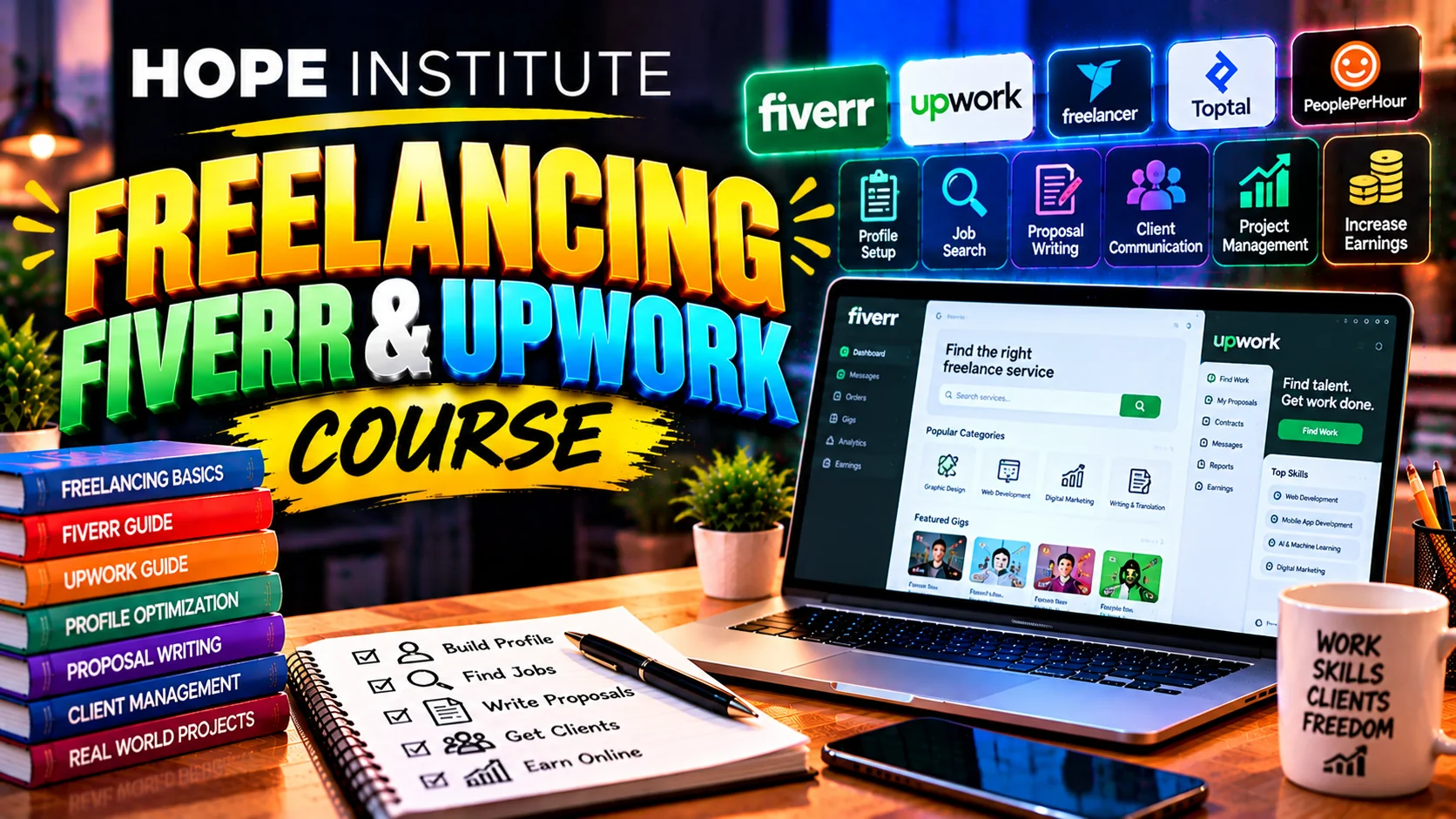
  • Promotional banner for the Freelancing course

    Freelancing (Fiverr & Upwork)

    Start earning online properly — winning profiles, gig SEO, proposals that get replies and the discipline of running your own clients.

    Beginner
    Complete Course Details

    Overview

    A step-by-step practical guide to your first income online — taught with real platform examples, real proposals and strict no-gimmicks advice.

    Curriculum — What You'll Learn

    1. The freelancing world — platforms, rates and what clients pay for
    2. Choosing your skill offer and defining your first service package
    3. Fiverr mastery — gig SEO, categories, pricing and standout covers
    4. Upwork mastery — profile strength, Connects and searchable profiles
    5. Writing proposals that actually get replies (with live examples)
    6. Client communication — discovery calls, scope and repeat business
    7. Portfolio building with or without past clients
    8. Getting paid — Payoneer, bank transfers and keeping records
    9. Professional habits — inbox, time zones, revisions and reviews
    10. Capstone project — a live-ready portfolio, 3 gigs and 2 real proposals

    Skills & Tools

    FiverrUpworkPayoneerGoogle WorkspaceTrello / NotionCanva

    Batch & Mode

    • Mode: In-class or online
    • Level: Beginner
    • Language: Urdu instruction, English courseware
    • Material: Proposal templates, gig worksheets & portfolio guides
    • Fee: On request — contact admissions

    Prerequisites

    A marketable skill (or pair this with any of our skills courses), good English conversation, a laptop and internet.

    Assessment & Certificate

    Weekly profile and proposal reviews, a platform quiz and a graded final portfolio, followed by a completion certificate.

    Career Outcomes

    Active Fiverr/Upwork income, private client relationships, VA agency teams, or full-time remote work — plus the business discipline to keep growing.

  • Promotional banner for the SEO Mastery course

    SEO Mastery

    Rank websites on Google the professional way — keywords, on-page, technical SEO, links and full audit workflows.

    Beginner to Intermediate
    Complete Course Details

    Overview

    Modern, white-hat SEO — from the fundamentals of how Google ranks pages to running professional audits and reporting that clients pay for.

    Curriculum — What You'll Learn

    1. How search engines work — crawling, indexing and ranking signals
    2. Keyword research — intent mapping and finding winnable terms
    3. On-page SEO — titles, headings, content structure and internal links
    4. Content strategy — topic clusters and answering search tasks
    5. Technical SEO — sitemaps, robots.txt, canonicals and indexing
    6. Core Web Vitals, mobile experience and page speed
    7. Off-page SEO — links, digital PR and safe link building
    8. Local SEO — Google Business Profile that ranks in Maps
    9. Tooling — GA4, Search Console, and modern rank trackers
    10. Capstone project — a complete SEO audit and 30-day ranking roadmap

    Skills & Tools

    Google Search ConsoleGA4Ahrefs / Semrush BasicsScreaming FrogKeyword ToolsWordpress SEO Plugins

    Batch & Mode

    • Mode: In-class or online
    • Level: Beginner to Intermediate
    • Language: Urdu instruction, English courseware
    • Material: Site-audit worksheets, keyword templates & tool demos
    • Fee: On request — contact admissions

    Prerequisites

    Basic computer and internet skills. Blog or website access is useful for practice; a demo site is provided for exercises.

    Assessment & Certificate

    Weekly audits, a keyword-research test and a graded final audit roadmap, followed by a completion certificate.

    Career Outcomes

    SEO Specialist jobs, freelance SEO on Fiverr/Upwork, agency SEO roles, local business marketing, or grow your own websites' rankings and revenue.

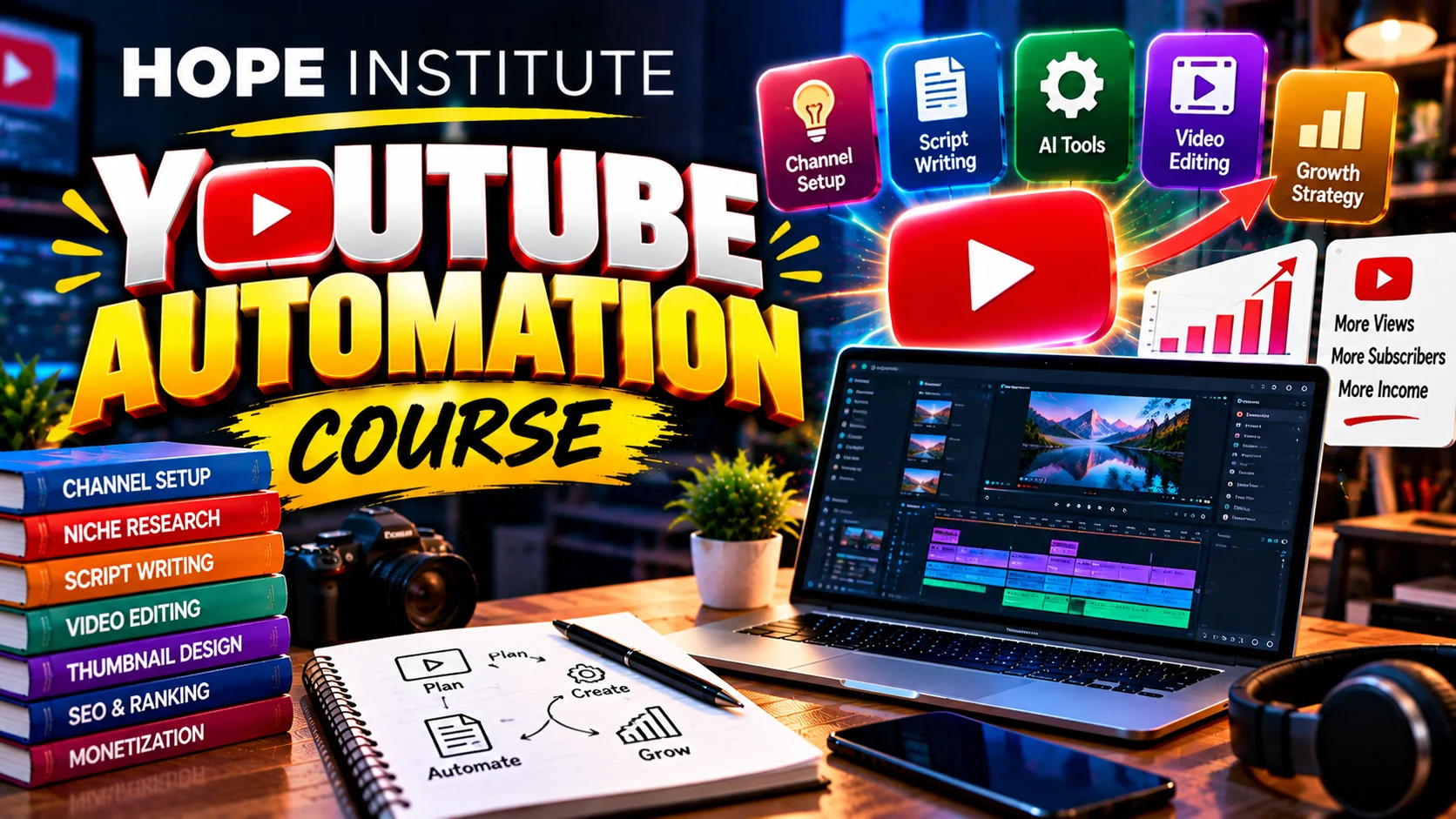
  • Promotional banner for the YouTube Automation course

    YouTube Automation

    Build faceless, system-driven YouTube channels — niche selection, scripting, thumbnails and the workflows top channels use.

    Beginner to Intermediate
    Complete Course Details

    Overview

    Learn the business model behind faceless channels — how to build a repeatable pipeline from idea to upload, and how to run it as a small team or solo.

    Curriculum — What You'll Learn

    1. The YouTube automation model — channels, niches and revenue
    2. Niche selection — demand analysis and competition checks
    3. Channel setup — branding, positioning and content planning
    4. Scripting — hooks, retention structures and formats
    5. Voiceovers — recording, AI voices and audio quality
    6. Thumbnails & titles — CTR psychology that gets clicks
    7. Editing pipeline — stock footage, pacing and captioning (CapCut / Premiere)
    8. Upload strategy — titles, tags, chapters and publishing rhythm
    9. Team workflow — outsourcing VAs, batching and managing content
    10. Capstone project — publish production-ready videos and first analytics

    Skills & Tools

    YouTube StudioVidIQ / TubeBuddyCapCutPremiere ProCanvaAI Voice ToolsGoogle Sheets

    Batch & Mode

    • Mode: In-class or online
    • Level: Beginner to Intermediate
    • Language: Urdu instruction, English courseware
    • Material: Niche research sheets, script templates & thumbnail kits
    • Fee: On request — contact admissions

    Prerequisites

    Good English content judgment, a laptop, and patience — a channel grows a batch at a time. Some content budget is recommended.

    Assessment & Certificate

    Weekly content reviews, a packaging CTR test and a graded final channel launch, followed by a completion certificate.

    Career Outcomes

    Own automated channels earning from ads and sponsorships, manage faceless channels as an agency service, VA editor/scripter roles, or monetized channel for others.

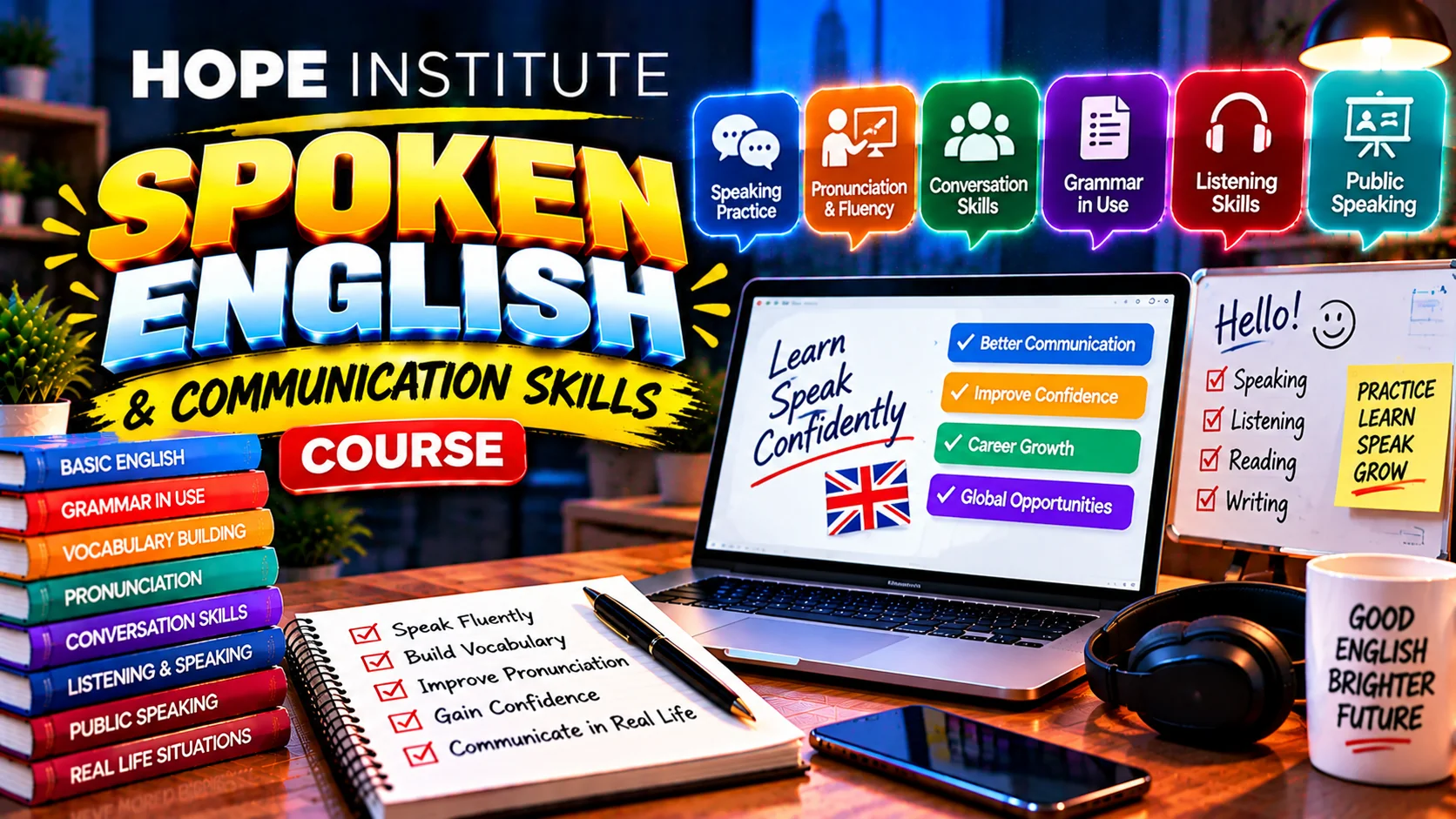
  • Promotional banner for the Spoken English course

    Spoken English

    Speak English confidently for work, study and interviews — pronunciation, conversation, presentations and professional English.

    Beginner to Intermediate
    Complete Course Details

    Overview

    Practice-first English you'll actually speak — structured conversation from day one, with confidence-building, workplace English and interview training.

    Curriculum — What You'll Learn

    1. Speaking foundations — correct sounds and everyday pronunciation
    2. Vocabulary building — the most useful words for daily conversation
    3. Grammar in speech — tenses, questions and natural sentence flow
    4. Listening skills — accents, films and daily-life audio
    5. Everyday conversation practice — pairs, groups and role plays
    6. Discussion skills — opinions, debates and describing ideas
    7. Presentations & public speaking — structure, voice and body language
    8. English for work — emails, CVs, phone calls and meetings
    9. Interview English — mock interviews with feedback
    10. Capstone assessment — recorded presentation plus a live mock interview

    Skills & Tools

    Speaking LabsAudio DrillsVocabulary BooksRecording ReviewsGroup Role Plays

    Batch & Mode

    • Mode: In-class (conversation-focused)
    • Level: Beginner to Intermediate
    • Language: Urdu instruction, English courseware
    • Material: Conversation cards, audio drills & vocabulary notebooks
    • Fee: On request — contact admissions

    Prerequisites

    Basic English reading is enough — the course is designed for shy speakers who understand English but can't speak it fluently yet.

    Assessment & Certificate

    Weekly speaking assessments, a mid-term presentation and a final live interview evaluation, followed by a completion certificate.

    Career Outcomes

    Confident spoken English for jobs, interviews and university; better VWoC communication for freelancers and call-center-ready English fluency.

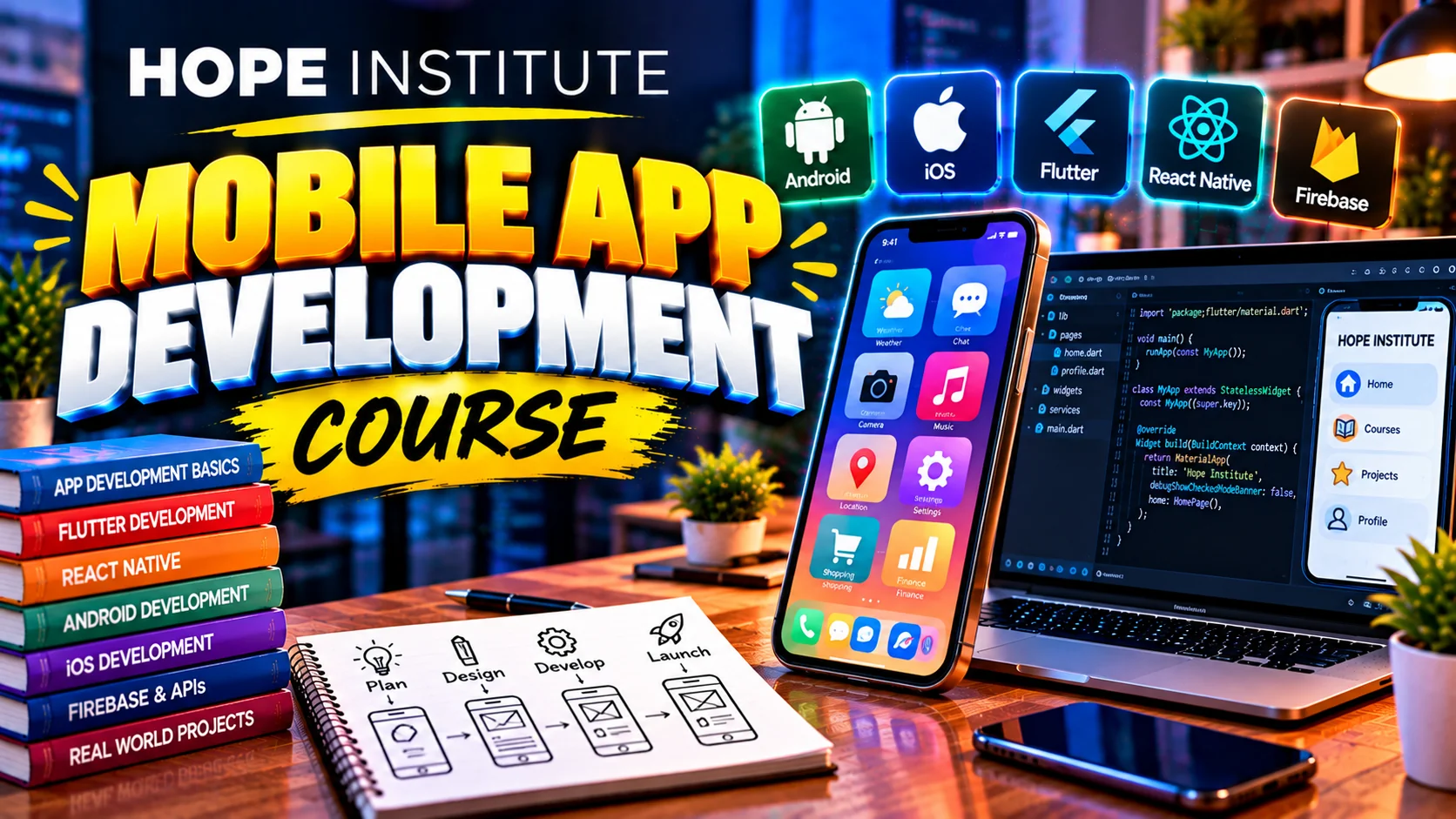
  • Promotional banner for the Mobile App Development course

    Mobile App Development

    Build Android & iOS apps from one codebase with Flutter — from your first widget to publishing an app with Firebase.

    Beginner to Intermediate
    Complete Course Details

    Overview

    Cross-platform mobile development the modern way — design beautiful app UIs, wire up data with Firebase and publish your first real app.

    Curriculum — What You'll Learn

    1. Mobile development today — platforms, Flutter and the toolchain
    2. Dart fundamentals — variables, functions and app logic
    3. Flutter UI — widgets, layouts and themes
    4. State management for reliable apps
    5. User input, forms and app navigation/routing
    6. Firebase backend — auth, realtime data & storage
    7. Working with APIs and images in apps
    8. App polish — animations, themes and responsive layouts
    9. Publishing — Play Store process, testing and quality
    10. Capstone project — build and document a complete mini app

    Skills & Tools

    FlutterDartAndroid Studio / VS CodeFirebaseGit BasicsPlay Console

    Batch & Mode

    • Mode: In-class or online
    • Level: Beginner to Intermediate
    • Language: Urdu instruction, English courseware
    • Material: Starter app projects, UI kits & Firebase access
    • Fee: On request — contact admissions

    Prerequisites

    Basic programming helps but is not required — fundamentals are covered. A laptop (or lab computer) that can run Android Studio is needed.

    Assessment & Certificate

    Weekly app builds, a mid-term UI test and a graded final project, followed by a completion certificate.

    Career Outcomes

    Junior Flutter Developer, freelance app development on Fiverr/Upwork, startups' app teams, or building your own app business.

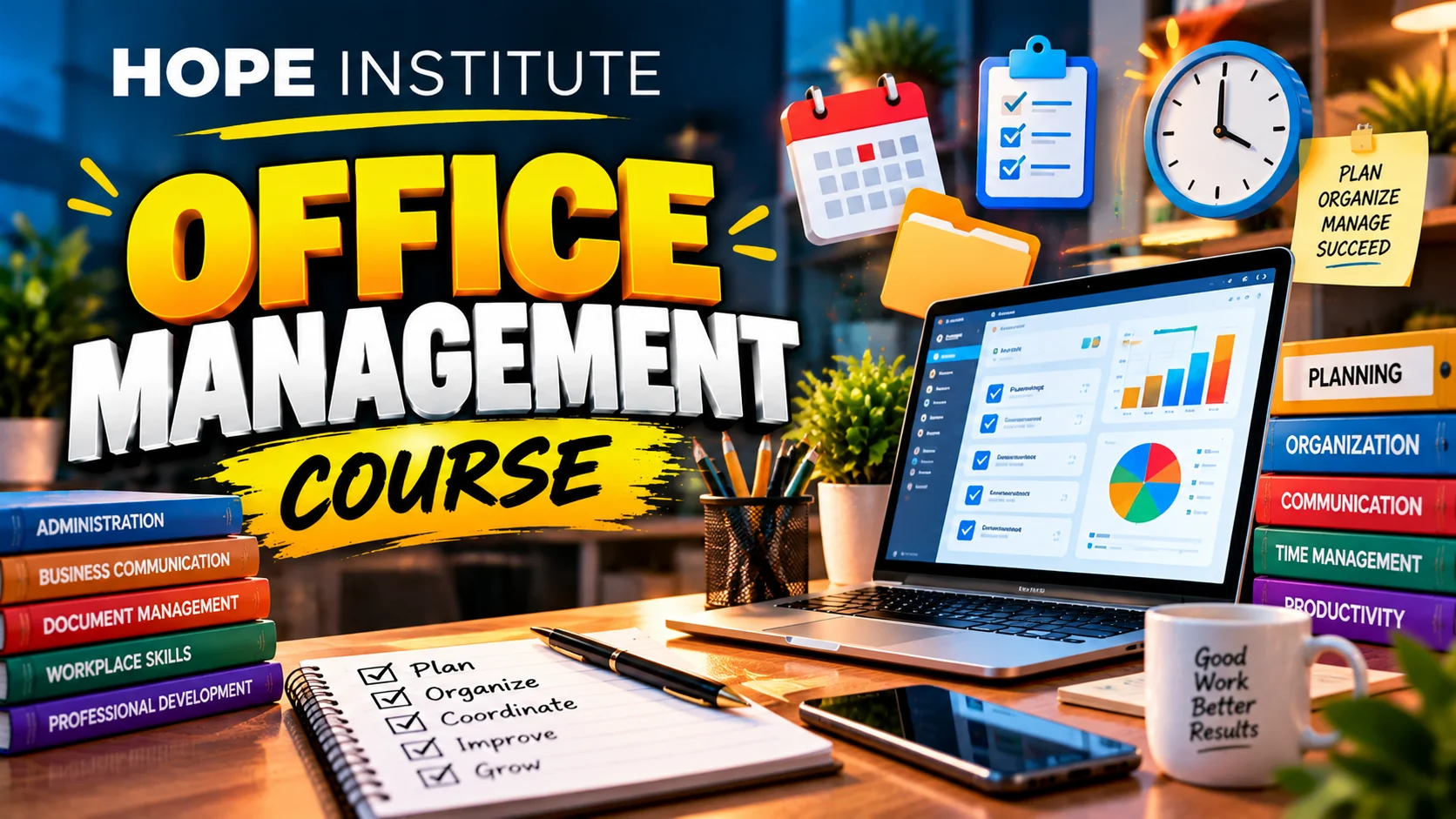
  • Promotional banner for the Office Management course

    Office Management

    Beyond computer basics — office documentation, data management, professional communication and complete office operations skills.

    Beginner to Intermediate
    Complete Course Details

    Overview

    Designed to make office workers excellent document, data and operations managers — the skills that keep any business office running smoothly.

    Curriculum — What You'll Learn

    1. The modern office — roles, ethics, and professional routines
    2. MS Word pro — documents, templates, mail merges and reports
    3. MS Excel pro — formulas, charts, tables and daily MIS reports
    4. PowerPoint for business — professional decks and briefings
    5. Email management — Gmail/Outlook, labels, filters and etiquette
    6. Google Workspace tools — Docs, Sheets, Drive, and Calendar
    7. Data management — records, filing systems and archiving
    8. Meetings & minutes — scheduling, agendas and memos
    9. Professional communication — letters, proposals, and workplace writing
    10. Capstone project — run a complete simulated office workflow end to end

    Skills & Tools

    MS WordMS ExcelMS PowerPointOutlookGoogle WorkspaceFiling SystemsMeeting Minutes

    Batch & Mode

    • Mode: In-class or online
    • Level: Beginner to Intermediate
    • Language: Urdu instruction, English courseware
    • Material: Practice files, office templates & document samples
    • Fee: On request — contact admissions

    Prerequisites

    Basic computer knowledge is useful but everything is reviewed from scratch — comfortable with the basics after week one.

    Assessment & Certificate

    Weekly document tasks, an Excel assessment and a final office-operations practical, followed by a completion certificate.

    Career Outcomes

    Office Manager or Executive Assistant, MIS/Documentation Officer, Front Office Executive, Data & Records Officer, or school and clinic administration roles.

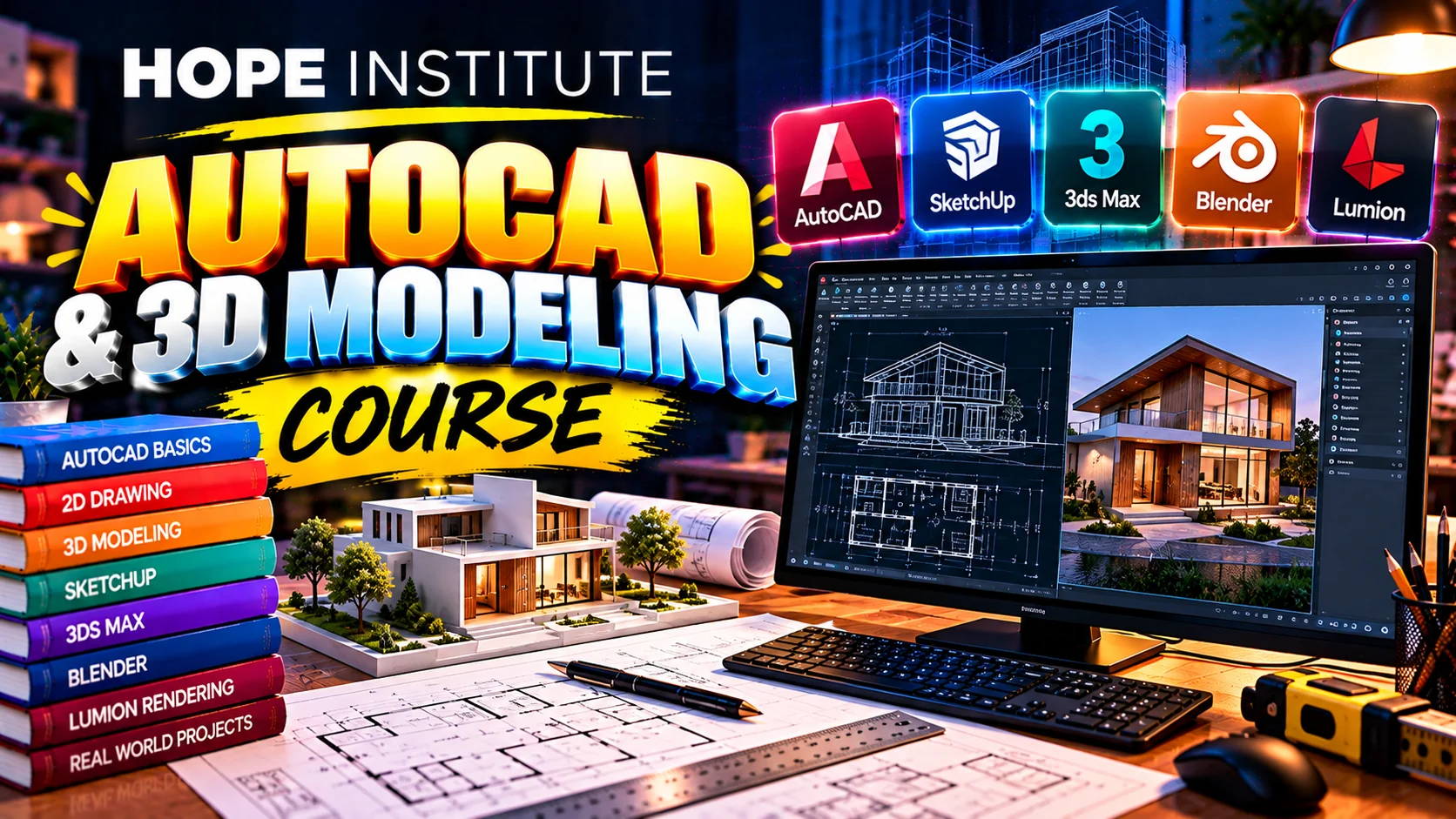
  • Promotional banner for the AutoCAD & 3D Modeling course

    AutoCAD & 3D Modeling

    Draft professional 2D plans and build real 3D models — essential technical drawing and CAD skills for engineers and designers.

    Beginner to Intermediate
    Complete Course Details

    Overview

    Master precision drafting from day one — the exact commands, standards and workflows used by civil, mechanical, electrical and design professionals.

    Curriculum — What You'll Learn

    1. AutoCAD interface, commands and drawing precision basics
    2. 2D drafting — lines, shapes, and drawing setup
    3. Layers, properties and drawing organization standards
    4. Dimensioning, text, hatching and annotation styles
    5. Blocks, templates and drawing efficiency
    6. Site/plotting — layouts, scales and printing setup
    7. Building & floor plans — a full 2D civil drawing exercise
    8. 3D modeling — solids, extrusions, revolve and sweeps
    9. Materials, lighting and rendering basics
    10. Capstone project — a 2D plan with a matching 3D model for a real-world brief

    Skills & Tools

    AutoCAD 2DAutoCAD 3DDrafting StandardsDimension & AnnotationRenderingPlot Setup

    Batch & Mode

    • Mode: In-class (lab-based)
    • Level: Beginner to Intermediate
    • Language: Urdu instruction, English courseware
    • Material: CAD practice sheets, block libraries & template drawings
    • Fee: On request — contact admissions

    Prerequisites

    High-school geometry is enough. No CAD experience needed — laptops or lab computers have the software for exercises.

    Assessment & Certificate

    Weekly drawing assignments, a mid-term plan submission and a graded final CAD portfolio, followed by a completion certificate.

    Career Outcomes

    Junior Draftsman/CAD Operator, Architecture and Civil roles, Electrical & Mechanical drafting jobs, freelance CAD services, or preparation for professional CAD certifications.

Course schedules and fees are indicative. Contact us for the latest batch dates and pricing.

Not Sure Which Course to Pick?

Talk to our admissions team — we'll match you to the right programme based on your goals and background.